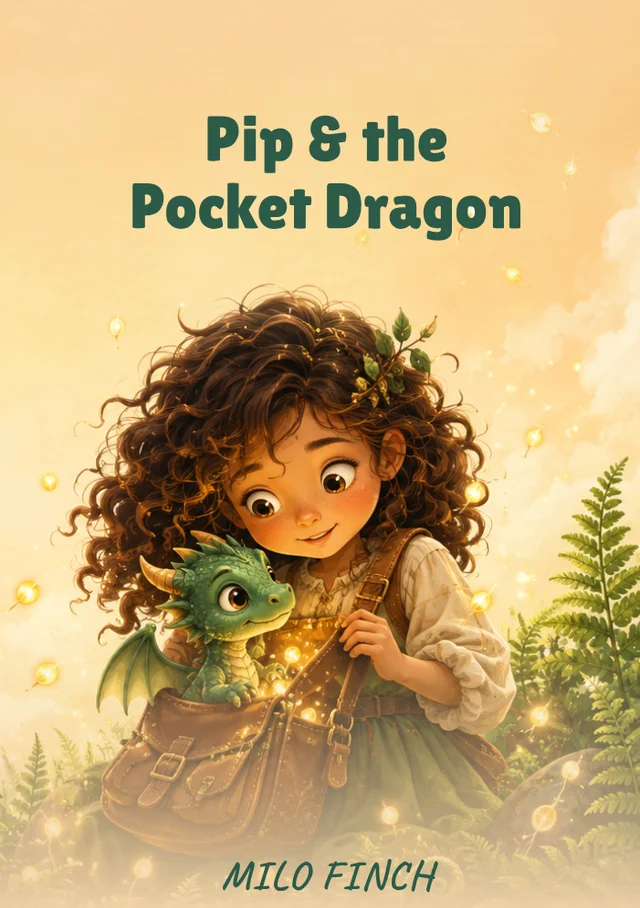
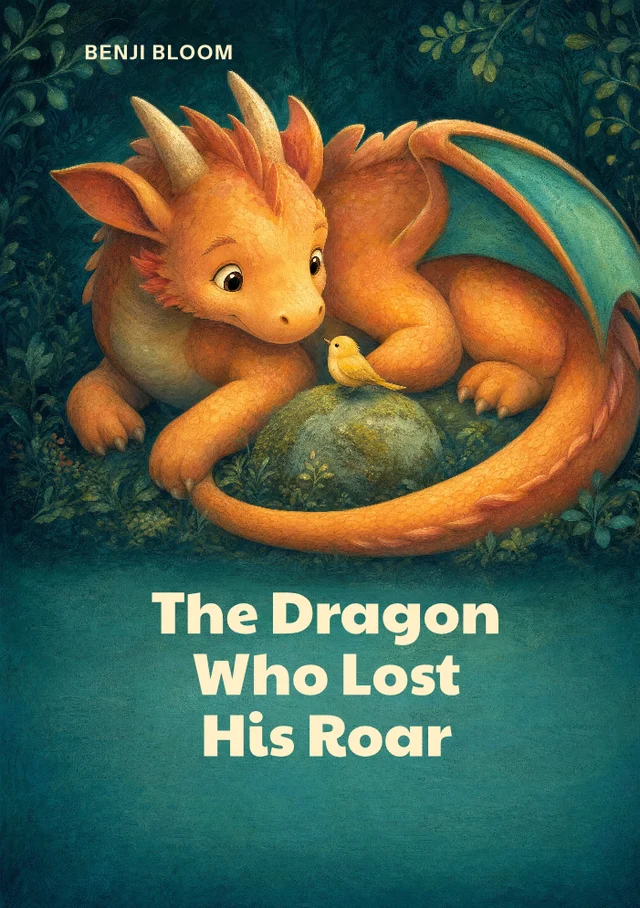
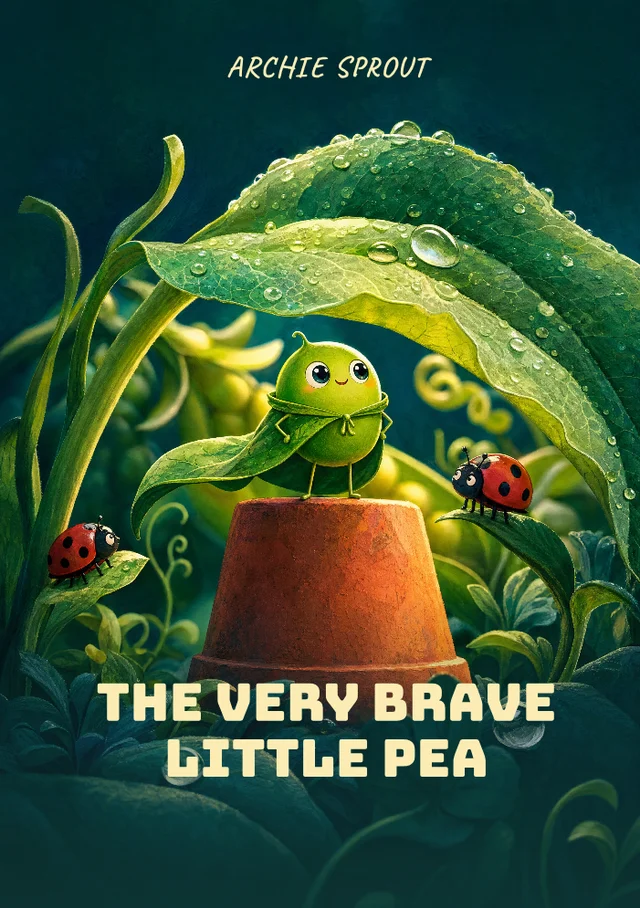
These are shared designs with sample copy. Preview your choice in the Cover Builder, then select Use this cover to start personalising it.
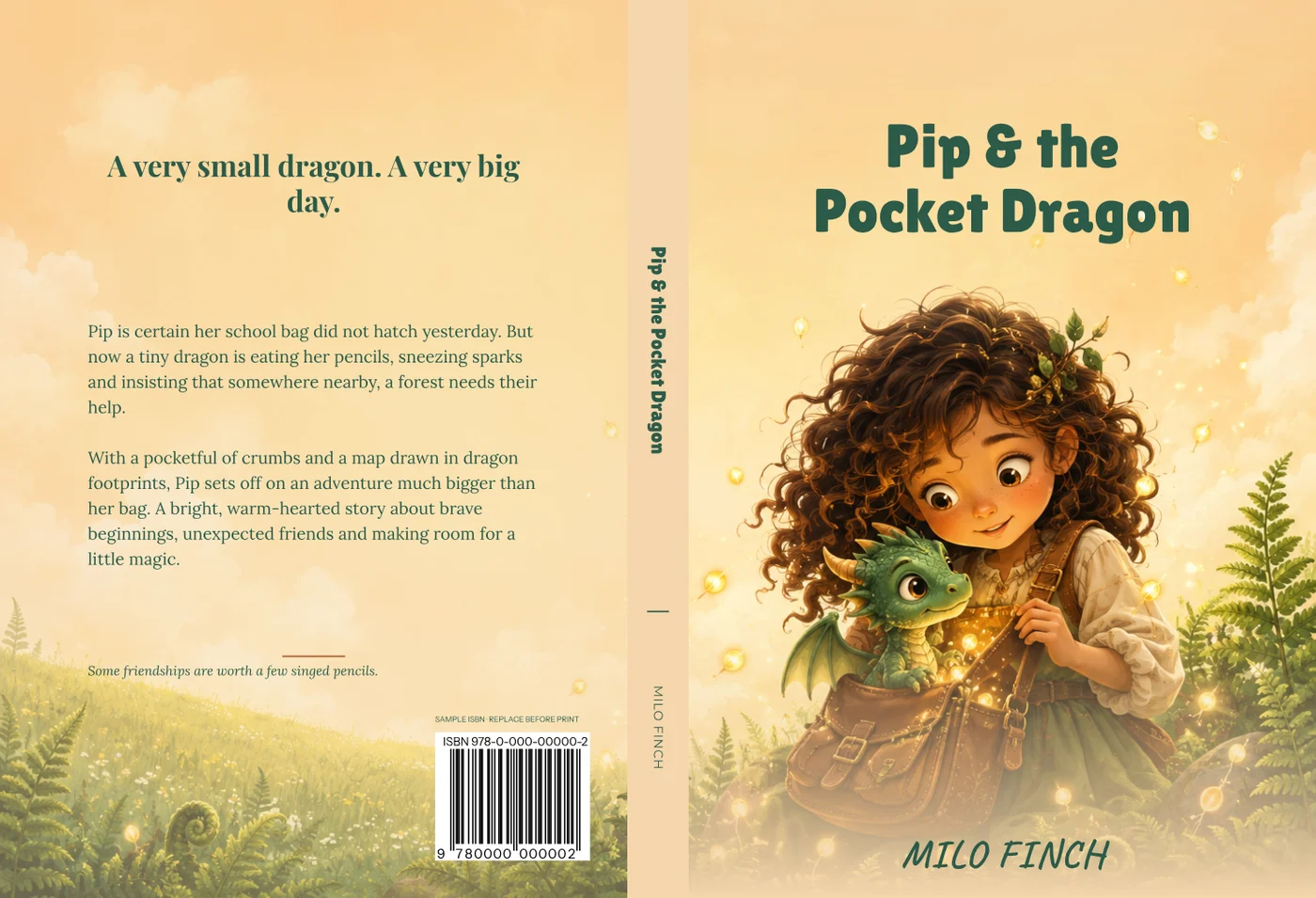
Pip & the Pocket Dragon: example back, spine and front. Replace the sample copy and ISBN.
THE STORY CONTINUES AROUND THE BOOK
The whole cover. The same atmosphere.
Your chosen design includes editable text and a coordinated back and spine. Add your title, author and blurb, then set the dimensions for your paperback.
Confirm the final page count and paper so the spine fits. Review the complete wrap and the builder's text and image-quality checks before preparing the cover for print.
A young child and a confident chapter-book reader look for different things. Choose the level of detail and the tone of the illustration with your intended age group in mind.
02
Keep the words friendly and clear.
Use title lettering that is easy to recognise, with room around each line. Avoid letting a long title cover a character or an important part of the picture. Check the author name against the illustration too.
03
Match the cover to the inside.
The cover should feel connected to the illustrations and tone of the book itself. This builder creates the outside paperback wrap; your illustrated pages or activity sheets need their own interior file.
BEFORE YOU BEGIN
Children's cover questions.
For pricing, shared designs and print preparation, read the collection FAQs.
Which designs suit imaginative stories?
The boy who borrowed the moon and The midnight lantern are starting points for children's fantasy. Small wonders offers another direction for playful stories and activities. Choose the style that fits your intended reader.
Can I use the cover for a square paperback?
You can change the dimensions within the builder limits. A different shape changes the artwork crop and text positions, so review the complete cover after entering your actual book size.
Does choosing a cover also create the inside pages?
No. These designs cover the front, back and spine. Prepare the story pages, illustrations or activities separately, then use the final page count when setting up the paperback cover.