THE IMPRINT TOOLKIT   /   MADE BY YOU

Design your
own book.

The cover that catches your eye. The pages you want to turn. A place to make your book feel like yours.

Start with your paperback or hardback PPC cover. Choose a design, add your words and artwork, and make it ready for print.

Start without an account. Sign in to save your work.

COVER INSPIRATIONMemoirs & life stories
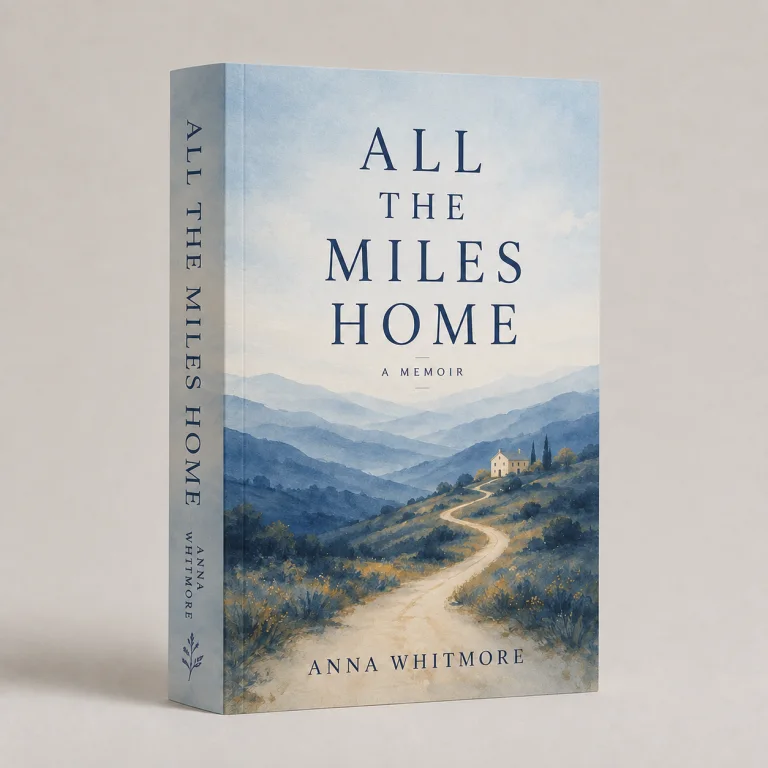
All the Miles Home, an illustrative paperback cover with a blue mountain landscape
Your story could start here.Example designs. Made to inspire yours.

A LITTLE HELP TO GET STARTED

See how to make your first cover.

From choosing a template to adding your words and artwork. Follow along, pause when you need to, then give it a go.

1 min 44 secWatch at your own pace

English captions available. Pause, replay or watch full screen using the player controls.

Read the transcript

Getting started

Let's make your book cover, one step at a time. You can pause this guide whenever you like.

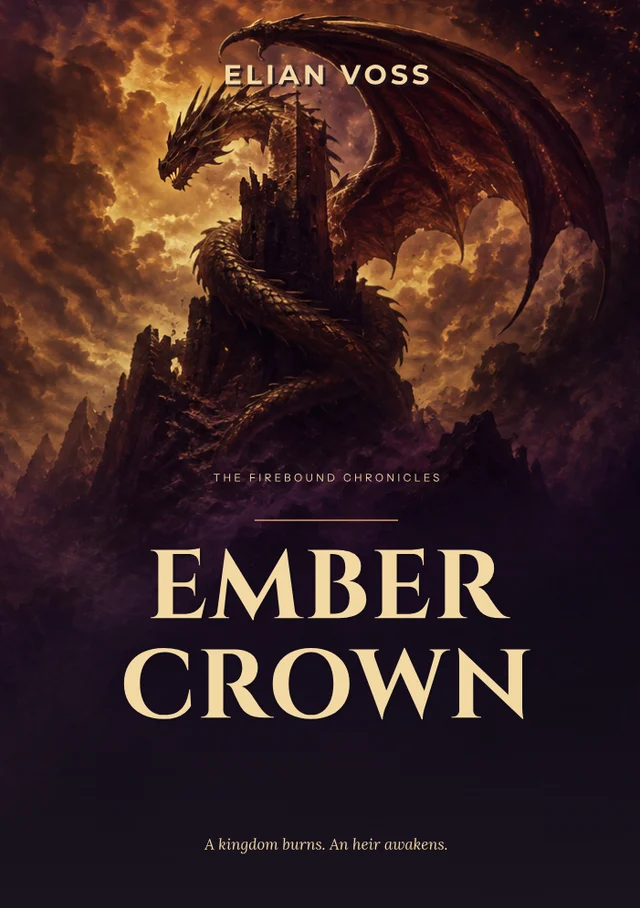
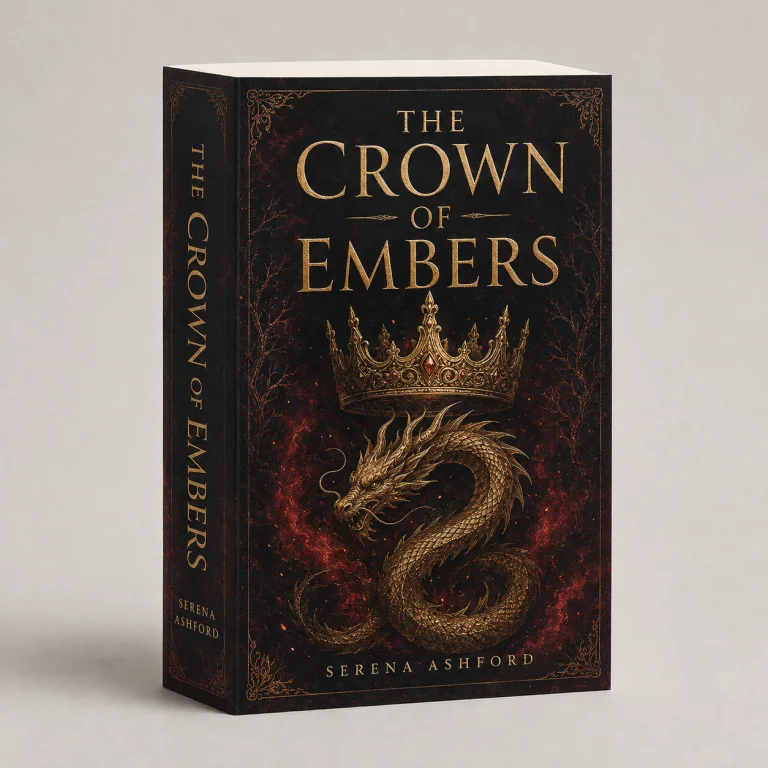
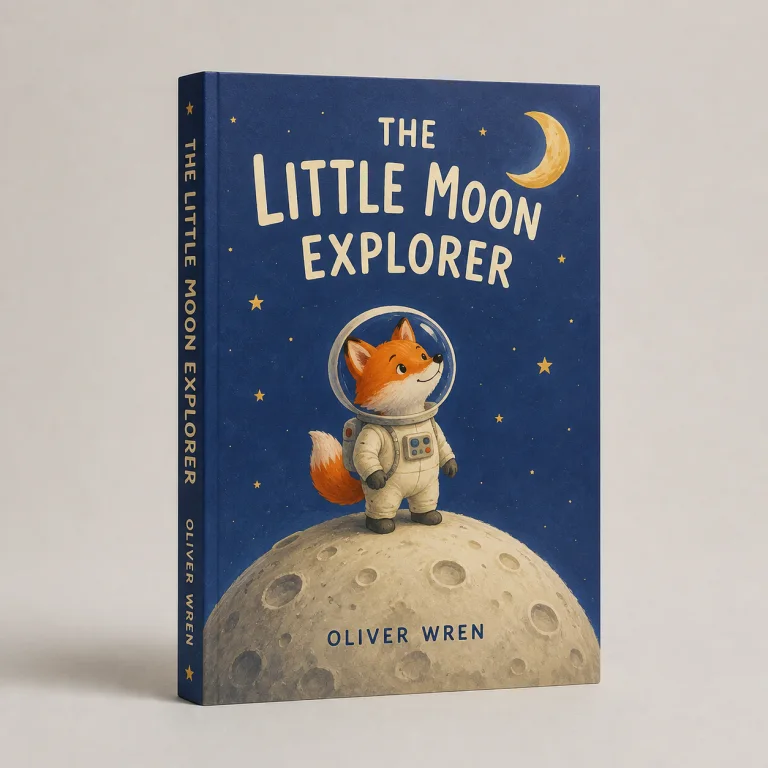
Novels, memoirs and children's books

Start with the kind of book you have in mind. A novel, a memoir, or a children's story.

Recipes, photographs and workbooks

Perhaps a collection of recipes, your favourite photographs, or a workbook. These examples can help you find a direction.

Choose your book size

First, choose your book size, number of pages and paper. The builder works out the spine width for you.

Choose a template

Choose a template as your starting point. You can change the words, fonts and colours to suit your book.

Upload your own artwork

Already have a photograph, painting or illustration? Sign in, choose Upload image, and add it to your cover.

Create optional AI artwork

You can also create artwork with AI. Describe your idea in a few words. Add your title separately afterwards.

Add your words

Add your title and author name. Move them into place and choose a font. Use Undo if you change your mind.

Check your cover

Check the front, back and spine. Read your words carefully, then use the 3D preview to see the cover together.

Save and return later

Choose Save book to keep your cover in My bookshelf. Your images stay in your account, ready for next time.

Start designing or ask for help

Ready to begin? Open Cover Builder at Imprint Digital. And if you need a hand, our team is here to help.

The genre covers in the film are examples for inspiration. Sign in to upload images, create AI artwork or save your design. AI artwork has daily limits; printing is quoted separately.
Ready to have a go? Make a start and come back to the guide any time.

Design my cover

YOUR WORDS. YOUR ARTWORK. YOUR COVER.

Make it yours, from front to back.

YOUR PAPERBACK COVERAvailable now

Cover Builder

Bring your front, back and spine together with our online book cover maker. Choose your book size, pages and paper, then make it yours.

  • Start with a template and choose your fonts
  • Upload your artwork or create an AI image
  • Preview in 3D and save to your bookshelf
Design my cover

Sign in for image uploads, AI artwork and automatic account saving.

THE FREE PREMADE COVER COLLECTION

Find a cover you love.
Free to make your own.

Beautifully designed covers, ready for your story. Explore 360 designs across 14 genres, then add your words and make the whole cover yours.

Explore the free cover collection Free to customise. Printing quoted separately.

Scroll through the covers

A free starting point.

Choose any design and start customising in our free Cover Builder.

The whole cover, together.

A matching front, back and spine, sized around your paperback.

Make every word yours.

Edit the title, author and blurb. Choose your colours, fonts and layout.

FROM FIRST IDEA TO PRINT

Your book, in three simple steps.

Bring the cover and inside pages together, with a few practical checks along the way.

  1. Set up your book.

    Choose your book size and paper, then prepare the inside pages. Set consistent margins, type and chapter headings.

    Count every interior page, including blank pages. Your final page count and paper determine the spine width.

    Help with your inside pages
  2. Make your cover.

    Choose a starting design and add your title, author name and artwork. Bring the front, back and spine together in Cover Builder.

    Use high-resolution images, extend backgrounds to the bleed edge and keep important text inside the safe guides.

    Watch the cover guide
  3. Check, save and print.

    Confirm your final book details, proofread every panel and review the flat and 3D previews. Check image-quality and layout warnings.

    Save the design and its print file, then choose Price this book in the builder. Prepare and check your interior file separately.

    Explore paperback printing

BEFORE YOU BEGIN

A few useful things to know.

Need a hand? Talk to our team.

Is Cover Builder free to use?

Yes. Create and customise a paperback or hardback PPC cover for free. Printing is quoted separately, and AI artwork has daily usage limits.

Do I need an account or design experience?

You can try a design without an account or design experience. Sign in when you want to upload images, create AI artwork or save your work to your bookshelf.

Can I use my own images?

Yes. Sign in to upload artwork, or generate an image in the builder. Add your title and author as editable text, and check image quality before printing.

Can I start before my manuscript is finished?

Yes. Explore a design now, then update your final page count and paper in Book details before finishing. Review the cover again if the spine width changes.

Can I design the inside pages here too?

Cover Builder currently creates paperback and hardback PPC covers. Interior typesetting is still in development. For now, prepare the pages separately using our typesetting guide.

Can I come back and edit my cover?

Yes. Sign in and open My bookshelf to continue a saved design. Save a new print file after making changes so your final file matches your cover.

WHEN YOU'RE READY

Give your story a cover.

Design my cover