Choose a layout, download the Word file and make it your own. Each template includes proper preliminary pages, an editable copyright page, chapter styles, mirrored margins and automatic page numbers. They are designed for books built mainly from text, and you can use them with your chosen printer.
How to use your template · Looking for a cover template?
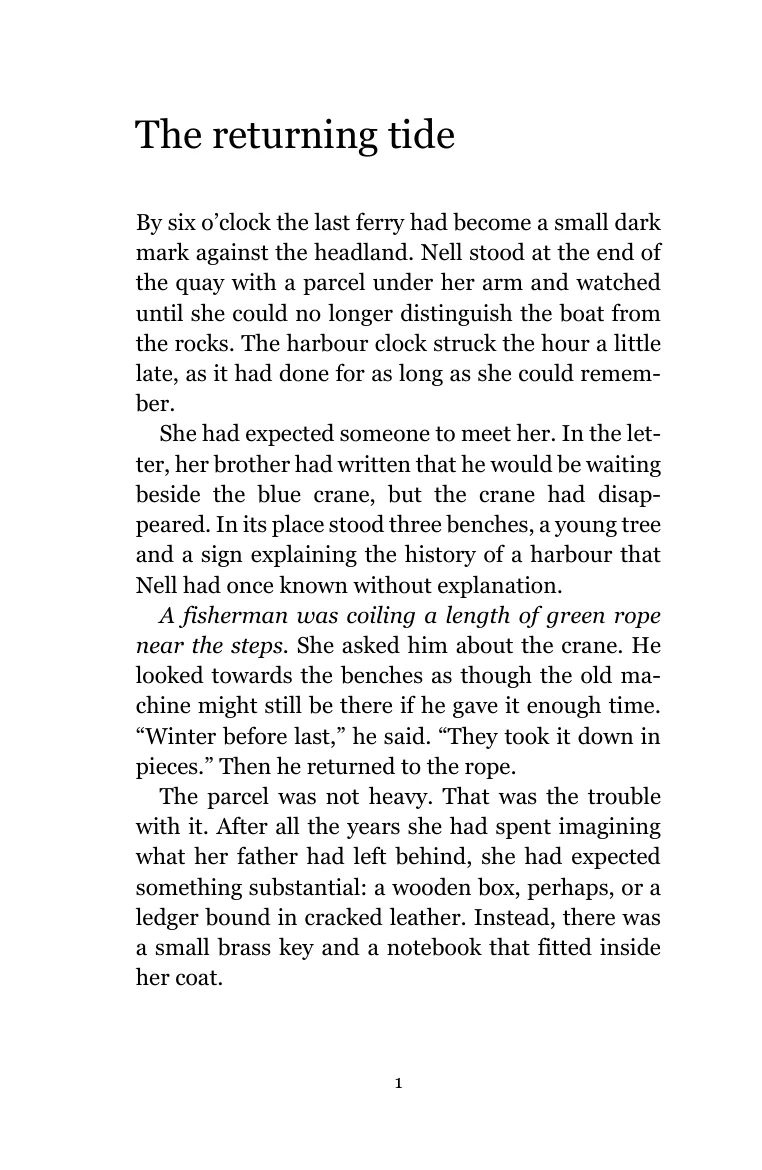
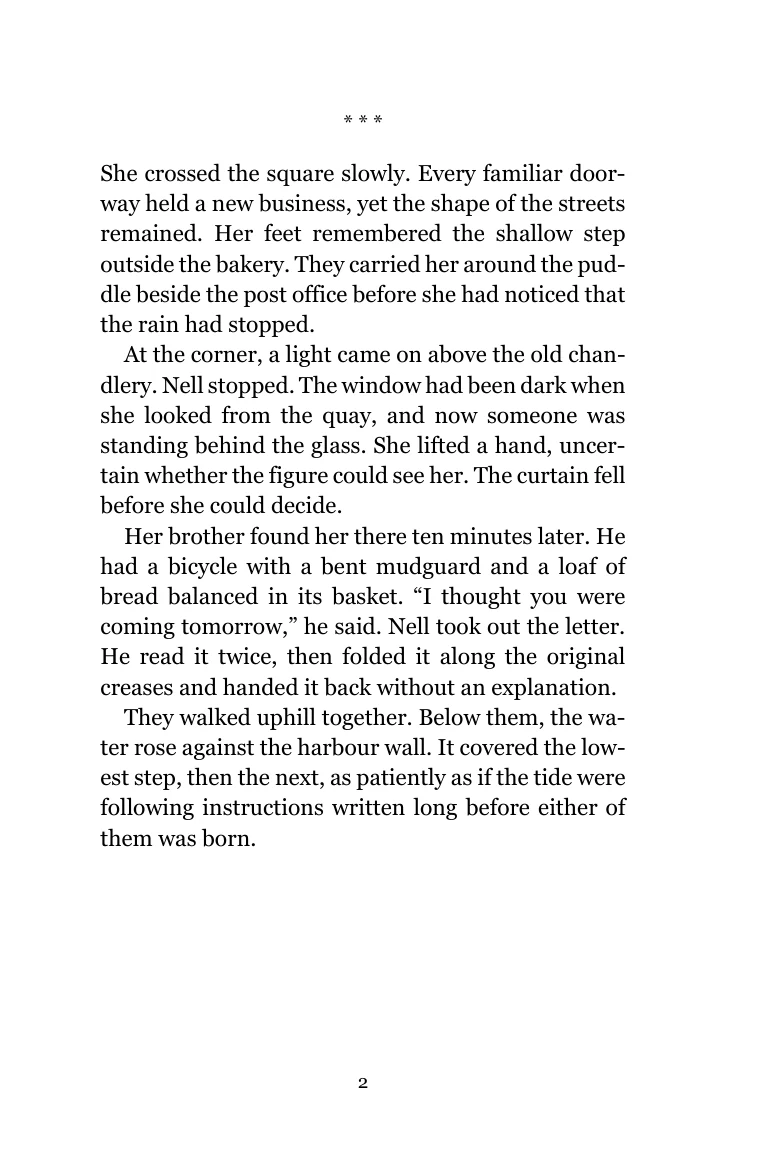 Look inside the sample
Novels and short stories
The novel
A quiet reading page for fiction, with chapter openings, first paragraphs and scene breaks already styled.
Download B-format Word templateFree DOCX · 39 KB · No sign up
See the page settings
- Page size
- 129 × 198 mm, width × height
- Type
- Georgia 11 pt / 14.5 pt line spacing
- Mirrored margins
- 23 mm inside, 17 mm outside
- Top / bottom
- 18 / 22 mm
- Extra gutter
- 0 mm; binding room is included in the inside margin
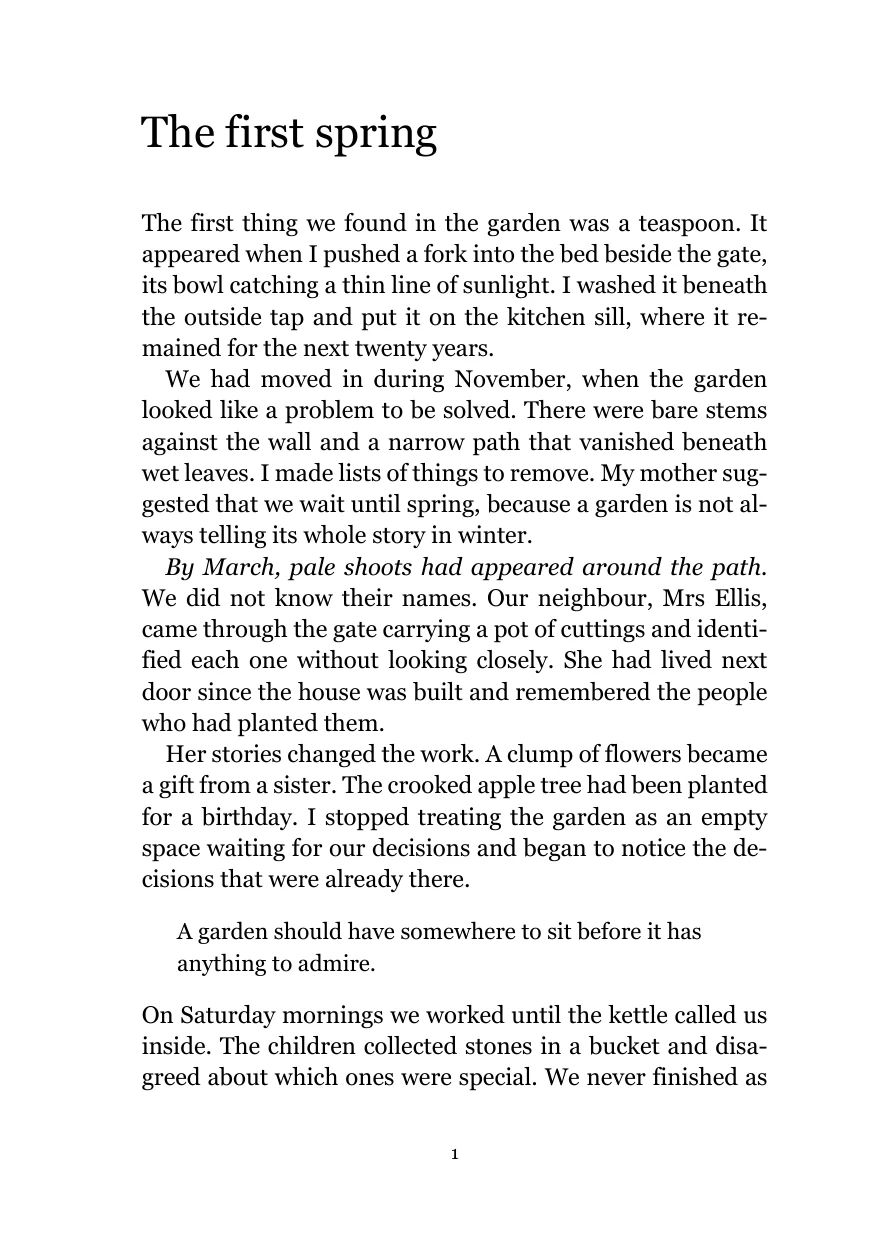
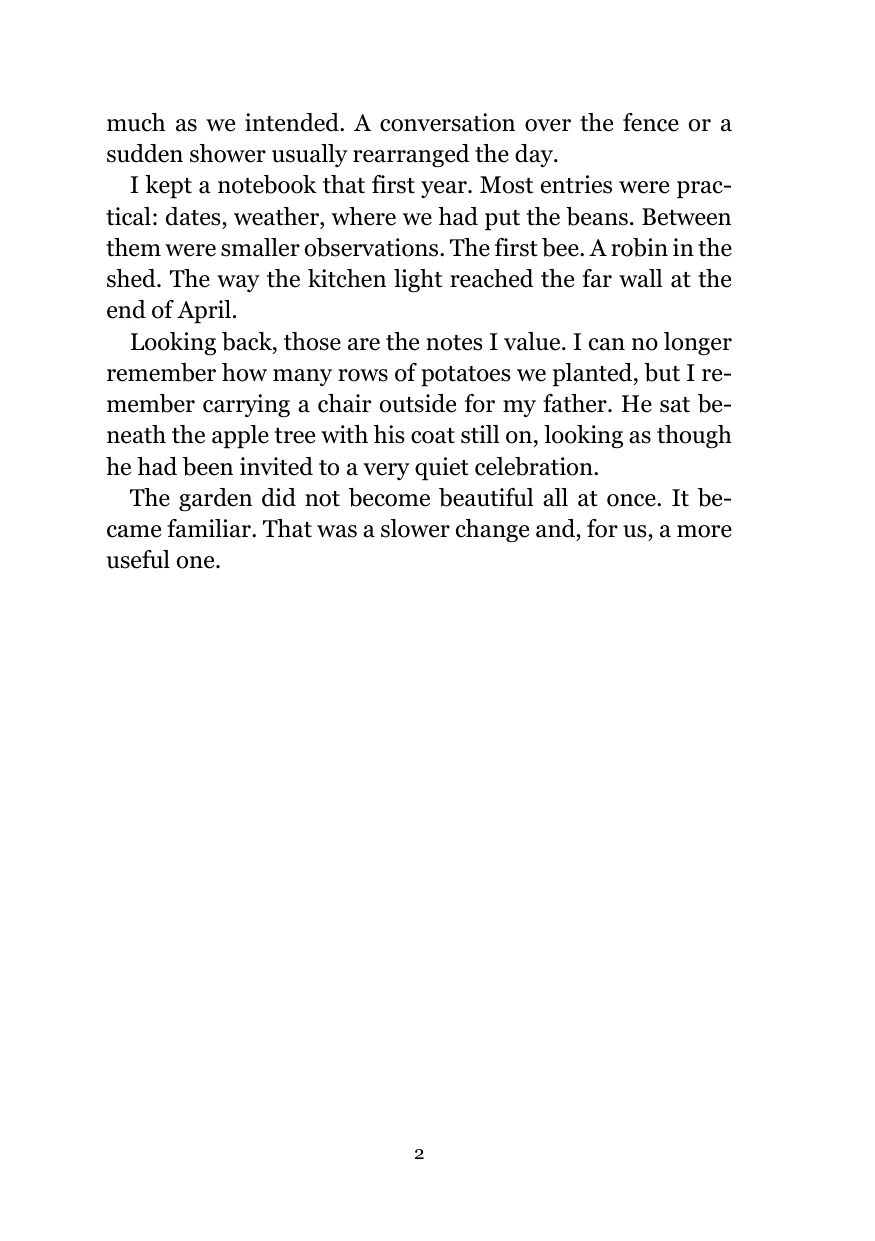 Look inside the sample
Memoirs and personal histories
The memoir
An open, comfortable layout for memories and everyday stories, with subheadings and block quotations.
Download A5 Word templateFree DOCX · 39 KB · No sign up
See the page settings
- Page size
- 148 × 210 mm, width × height
- Type
- Georgia 11.5 pt / 15 pt line spacing
- Mirrored margins
- 24 mm inside, 18 mm outside
- Top / bottom
- 18 / 22 mm
- Extra gutter
- 0 mm; binding room is included in the inside margin
 Look inside the sample
Guides and straightforward non-fiction
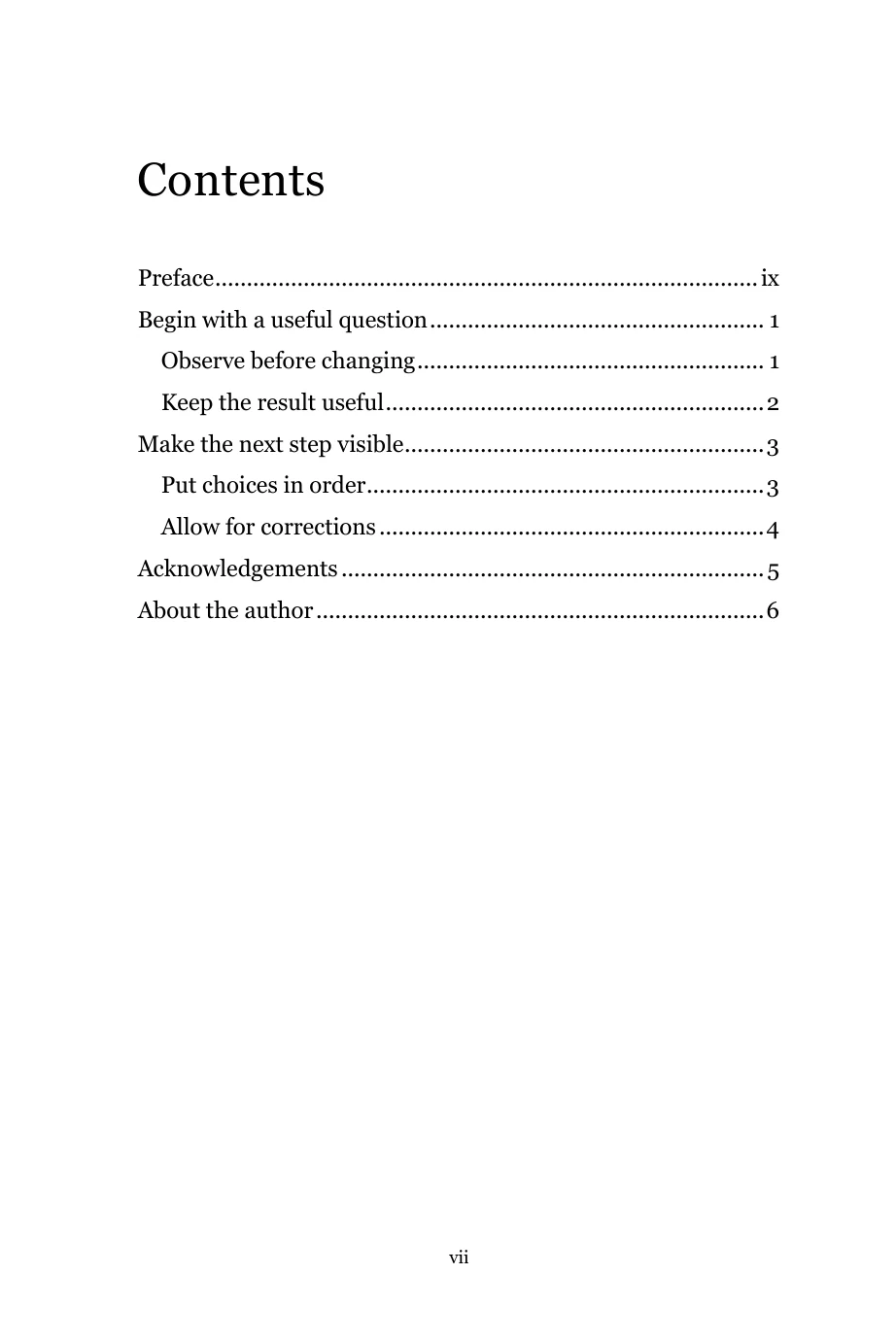
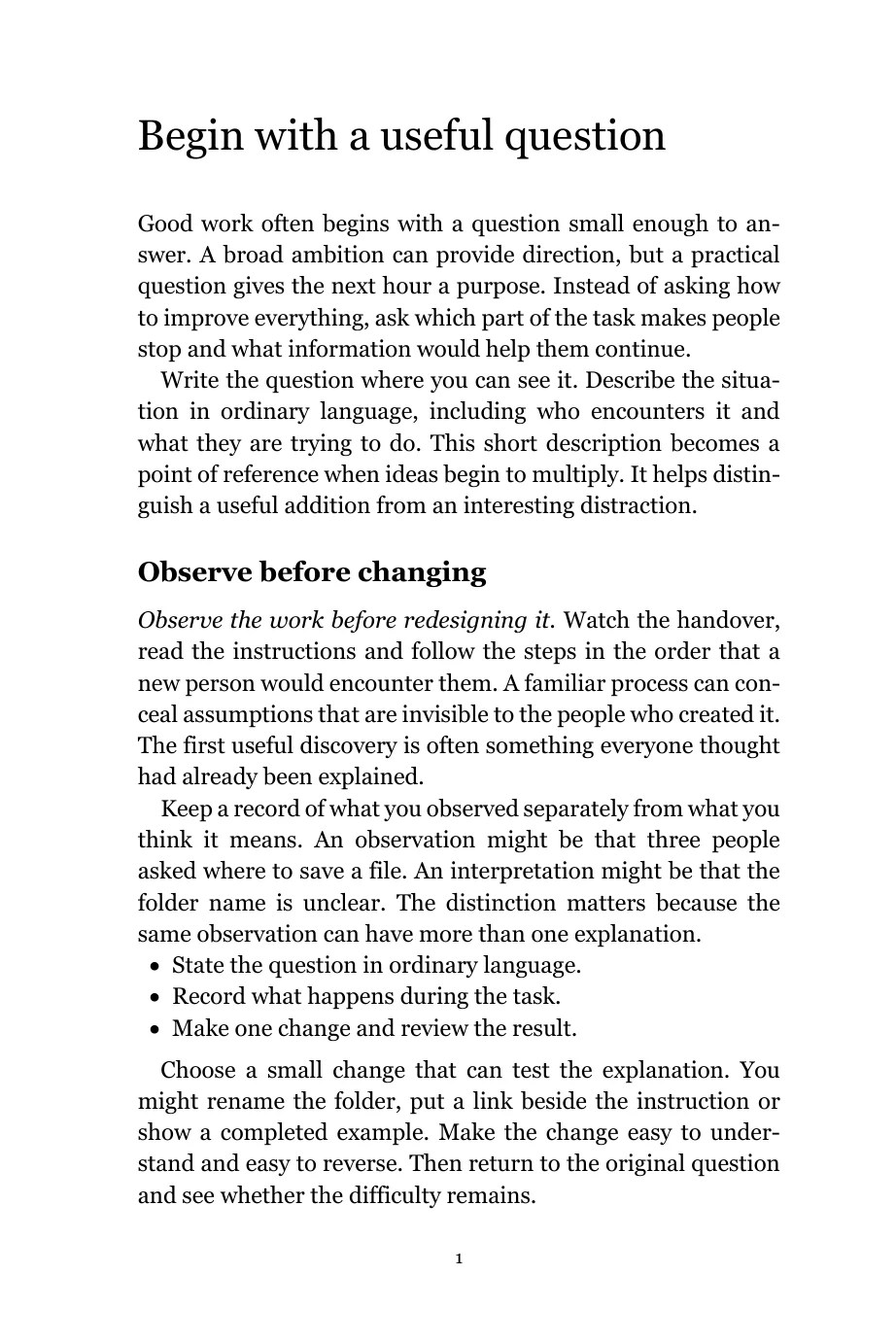
The guide
Room for a clear argument, with heading levels, lists, quotations and an updateable contents page.
Download Royal Word templateFree DOCX · 29 KB · No sign up
See the page settings
- Page size
- 156 × 234 mm, width × height
- Type
- Georgia 11.5 pt / 15.5 pt line spacing
- Mirrored margins
- 24 mm inside, 20 mm outside
- Top / bottom
- 19 / 23 mm
- Extra gutter
- 0 mm; binding room is included in the inside margin
Version 1.0 · 7 September 2026 · Editable files with no watermark or required credit.
From manuscript to book pages
- Save a working copy. Open the DOCX in desktop Word and save it under your own filename. Keep your original manuscript as a separate backup.
- Replace the example text. Try one chapter first. Paste with Merge Formatting, check that italics and other emphasis survive, then apply the paragraph styles. The Word formatting guide takes you through it.
- Use the styles already provided. Choose Heading 1 for a chapter title, First paragraph for its opening paragraph and Book text for the rest. Chapter headings start a new page automatically.
- Finish the preliminary pages. Replace the title and copyright fields, and remove optional pages you do not need. In the Royal template, update the entire contents table after changing headings or adding pages.
- Export and check the PDF. Use Word's PDF export at print quality. Review every page, then use our interior PDF checker. Use the actual PDF page count when preparing a quote or cover.
What these layouts are made for
Proper prelims, ready to make your own
All three files begin with a half-title, blank verso, full title page, copyright page and optional dedication. The novel then moves into chapter one. The memoir adds an optional preface; the Royal guide has an automatic contents table and optional preface. Acknowledgements and an author biography are provided at the back.
The display pages have no printed numbers. The memoir and Royal prelims use Roman numerals, while chapter one starts at 1 on a right-hand page. Intentional blanks preserve that sequence. A foreword can be added using the Front heading style when your book needs a contribution from someone else; it is not included as a compulsory page.
The copyright page has editable spaces for the copyright holder and year, publisher, edition, ISBN and contributor credits. Replace or remove the bracketed fields and use the rights statement appropriate to your book. Sample PDFs deliberately retain example fields on the copyright page so you can see what belongs there. The guide to preliminary pages explains the order and optional sections.
The templates use Georgia and black text, with extra space at the binding edge. The page size is the finished trim size, with no bleed added. They suit novels, memoirs and straightforward non-fiction. Books with complex tables, heavy footnotes, multiple columns or images running to the edge need additional layout work.
The inside margins are starting points. Check them against your final page count, paper and binding, especially for a thick book. Changing the font or size will change the pagination, so check the exported PDF again after any layout changes.
Compatibility: opening, saving and PDF export have been checked in Word for Windows. Mac, Word for the web, Google Docs and LibreOffice have not yet been verified. Make sure Georgia is available on your computer and compare your export with the sample.
Ready to see it in print?
Check your interior PDF, then price your book using its final size and page count. A printed proof lets you judge the type, paper and binding margin before the full run.
DESIGN YOUR BOOK
Still working
on your cover?
Give your finished pages a cover. Choose an editable paperback layout, add your words and artwork, and bring the front, back and spine together.
Try it without an account. Sign in to save your work.
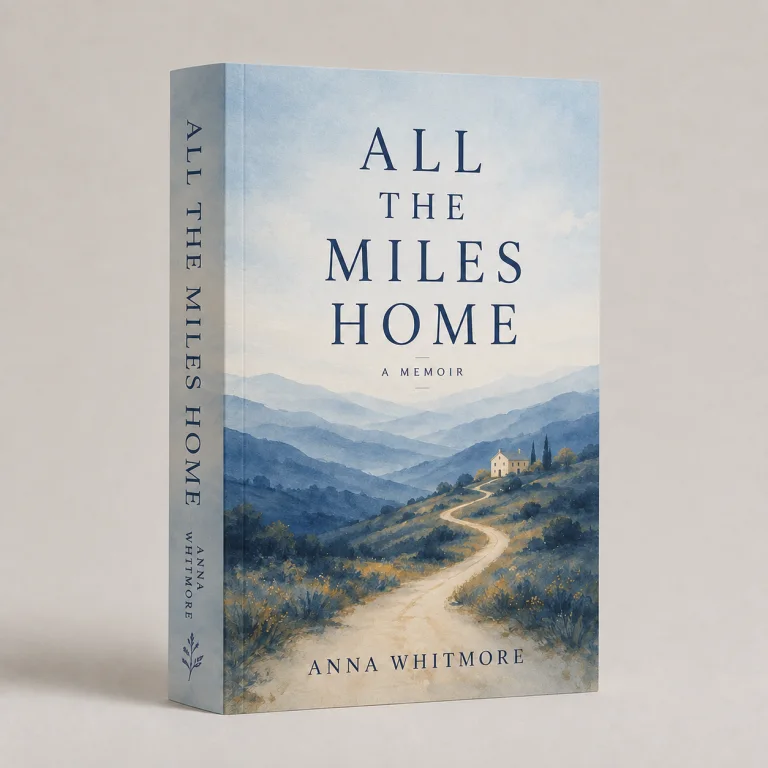
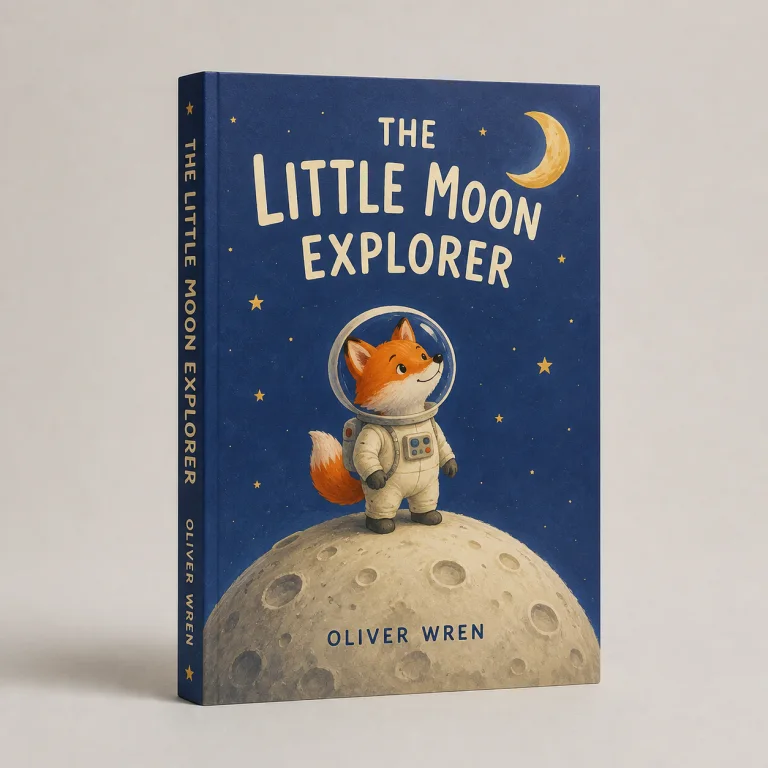
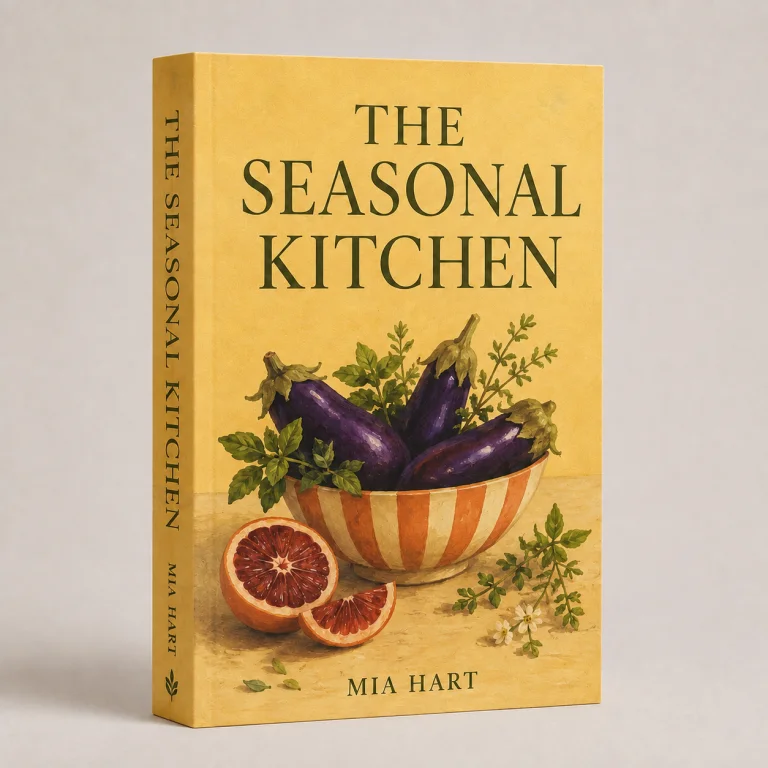
Cover templates for your finished book
Your cover needs its own file. Once you know the final page count, paper and binding, the cover template generator calculates the spine and lays out the front, back and production allowances.
- Paperback: a full wrap with the spine and bleed marked.
- French flap paperback: extra flap panels and fold lines.
- Printed hardback case: board, hinge and turn-in allowances.
- Dustjacket: jacket panels and flaps around the finished case.
Download a dimensioned template for your design software, or design your paperback cover here. The spine calculator and ISBN barcode generator help with the finishing details.
More help with the inside
Compare formats in our book sizes guide. For pages with artwork extending to the edge, read the bleed guide before changing the setup. For notebooks, journals and diaries, ask us about lined, dotted and grid ruling when preparing your quote.